> ## Documentation Index
> Fetch the complete documentation index at: https://docs.sudo.africa/llms.txt
> Use this file to discover all available pages before exploring further.
# Setup Webhooks
Creating a Webhook endpoint can be easily done on your dashboard by following these steps.
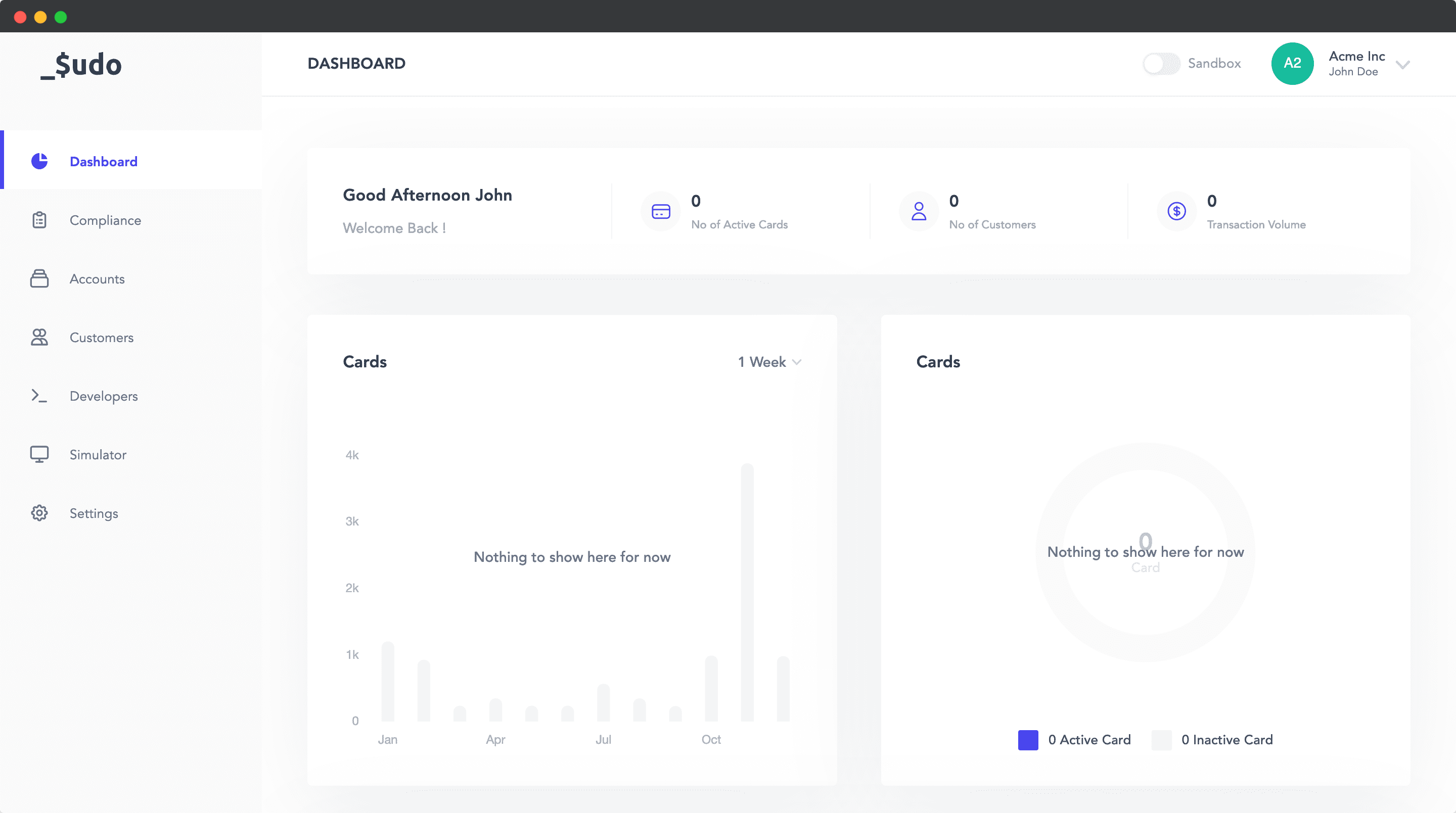 1. Log in to the Sudo Dashboard and click on **Developers**.
2. Click on **Webhooks** in the **Developers** navigation menu seen horizontally on your screen.
3. Click on the **Create Webhook** button, then fill in the required details for your webhook.
4. Once you're done, click on the **Create Webhook** button on the modal.
You can change the Webhook URL, Authorization Token, or enable/disable a webhook by clicking on the Webhook entry on the Developers Webhooks page.
1. Log in to the Sudo Dashboard and click on **Developers**.
2. Click on **Webhooks** in the **Developers** navigation menu seen horizontally on your screen.
3. Click on the **Create Webhook** button, then fill in the required details for your webhook.
4. Once you're done, click on the **Create Webhook** button on the modal.
You can change the Webhook URL, Authorization Token, or enable/disable a webhook by clicking on the Webhook entry on the Developers Webhooks page.